
How to Sell Website Templates: Formats, Marketplaces and Fees
By Manob Editorial ·
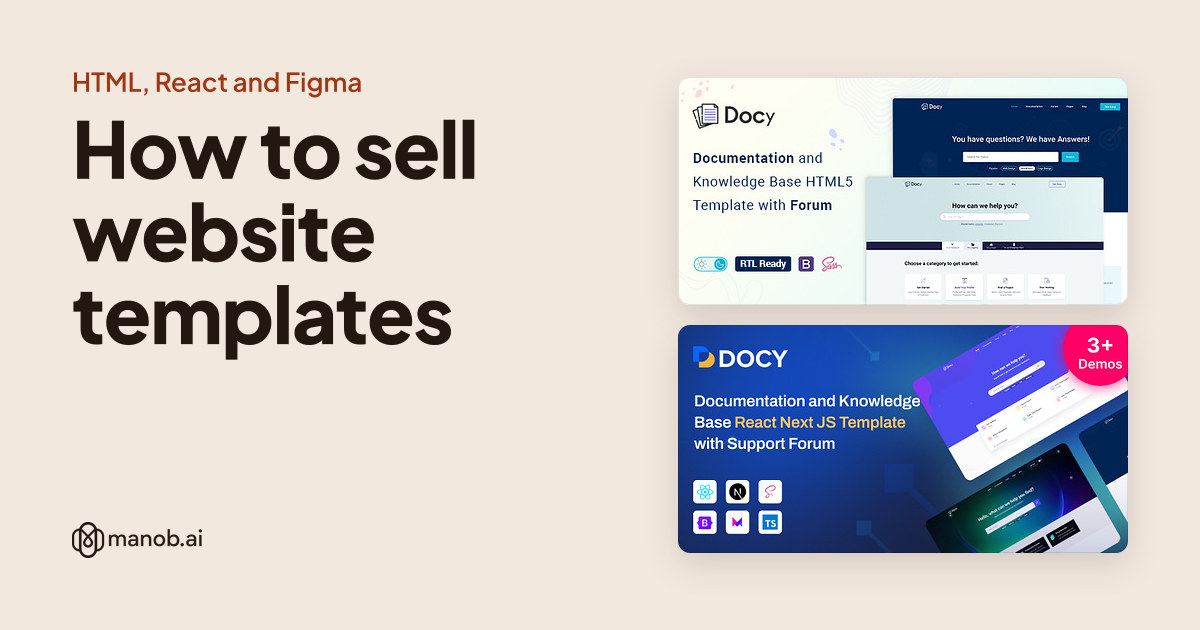
To sell website templates, pick a format buyers want (HTML, React or Figma), build it so a beginner can edit it, host a live preview and license every bundled asset. Then list it on marketplaces and your own store. As of October 2026, ThemeForest and Figma Community aren't approving new sellers, so start with Creative Market, Gumroad or manob.ai.
This guide covers template formats other than WordPress. WordPress themes add GPL licensing and their own review rules, which we cover in how to sell WordPress themes. Platform facts come from each platform's own pages, checked on October 14, 2026.
What should each template format include?
| Format | What buyers expect in the download | Preview |
|---|---|---|
| HTML / Bootstrap / Tailwind | All HTML pages, CSS plus Sass or Tailwind source, JavaScript, documentation, a credits list | A hosted demo of every page |
| React / Next.js | Full source with package.json, install and build steps, environment variables documented, version notes | A deployed demo on your own server |
| Figma | The .fig file with editable text, components, text styles and a dedicated assets page | Screenshots, plus a view-only Figma link where the platform allows it |
| Platform themes (Shopify, Squarespace and others) | Whatever that platform's theme rules require | A demo store or site on the platform |
Where can you sell website templates?
Two large marketplaces have closed their doors to new sellers for now. Envato says new author accounts can't be created on Envato Market, which includes ThemeForest, and that it isn't inviting new Theme authors. Figma's selling guide says: "We are not approving new creators to sell paid files on Community at this time."
| Platform | Open to new sellers? | Platform's cut | Worth knowing |
|---|---|---|---|
| ThemeForest | No, invitation only | 50% author fee, with a buyer fee on top | Every item is reviewed; non-exclusive |
| Figma Community | No new paid sellers for now | Flat 15% | Buyers see only the first page before buying; files published free can't later be sold |
| Creative Market | Yes, once a shop request is approved | 50% of list price by default; varies per shop or product | No per-item review; minimum prices; price parity with other marketplaces |
| Gumroad | Your own storefront | 10% + $0.50 direct; 30% via Discover | No monthly fee; handles sales tax as merchant of record |
| manob.ai (ours) | Yes, with a seller account | 35% on products, 20% on services | Every product reviewed manually; non-exclusive |
Sources: Envato's earnings guide; Creative Market's commission page and review policy; Gumroad pricing.
On a $30 template, before taxes and payment fees, you'd keep $26.50 through a direct Gumroad link, $21.00 through Gumroad Discover, $19.50 on manob.ai, and $15.00 at Creative Market's default split or on ThemeForest. Existing Figma Community sellers keep $25.50. A big cut can still be worth paying if the marketplace brings buyers you wouldn't reach yourself. For more seller platforms, see ThemeForest alternatives.
Step 1: Pick a niche and a format
Start from the buyer's job, not the framework. "Clinic website" or "SaaS landing page" is a niche; "Bootstrap 5" is a format. Browse what's already listed in the niche on two or three marketplaces, open the demos, and note which pages and features keep coming up. Then decide whether you can do the niche better, or serve a format nobody covers well.
Format decides your buyer. HTML templates suit people who want a static site and will edit files by hand, as in our Bootstrap editing guide. React and Next.js templates suit developers who'll add features. Figma files suit designers and agencies who'll build the site themselves or hand it to a developer.
Step 2: Build it so a beginner can edit it
HTML templates
- Organize and comment the code, and keep page sections consistent so a buyer can copy one between pages.
- Include the Sass or Tailwind source, not just compiled CSS.
- Say plainly that contact and newsletter forms need a backend or form service to send email. Static HTML can't do it alone.
- Check the license of every library you bundle. Bootstrap's MIT license allows commercial use and distribution in your own packages, as long as you keep its license and copyright notice in the CSS and JavaScript files.
React and Next.js templates
Envato's Next.js requirements are a useful bar even outside Envato. New submissions and updates must work with "the latest public minor release of Next.js," TypeScript is recommended, and you must provide a live preview on your own server. Documentation must cover the full install process and include version notes: the version number, release date, and every update and fix.
Figma templates and UI kits
Envato's Figma template requirements list what a well-built file looks like:
- At least one .fig file and at least 6 preview screenshots
- Frames at a device preset or the standard 1440px width, with a 12-column grid and 30px gutters advised
- All text and basic shapes editable, and every layer named clearly
- Reusable parts such as buttons and cards built as components, text styles for repeating type, and at least one dedicated assets page
- Non-standard fonts listed and linked, and every image licensed for commercial use
If you're deciding between a kit and a template, our explainer on what a UI kit is covers the difference.
Step 3: Sell one design in several formats
Once a design is finished, porting it is often less work than starting a new one, and each format reaches a different buyer. Envato expects this: its Next.js rules ask authors to tell the reviewer when a Next.js theme is based on one of their existing items, such as a WordPress theme or site template.
Spider Themes does exactly this on manob.ai. Docy, its documentation and knowledge base design, is listed as four products: an HTML5 template, a React and Next.js template, a Jekyll template and a WordPress theme. Each listing has its own live demo.
| Template | Type | Built with | Price from | Live demo |
|---|---|---|---|---|
| Docy - Documentation And Knowledge Base HTML5 Template with Helpdesk Forum | HTML template | — | $26 | Demo |
| Docy – Documentation & Knowledge Base React Next.js Template with Support Forum | React template | Next.js, React | $34 | Demo |
| Docy - Documentation And Knowledge Base Jekyll Template | Template | — | $34 | Demo |
| Docy - Premium Documentation, Knowledge base & LMS WordPress Theme with Forum | WordPress theme | Elementor, RTL | $93 | Demo |
Design and code can pair up the same way. Fitnofy is listed as a Figma UI kit and, separately, as a Flutter UI kit built around the same three user roles: user, trainer and gym admin.

Fitnofy is a premium Figma UI Kit designed for gyms, fitness centers, personal trainers, and wellness platforms. It features 150+ professionally crafted screens, complete user f…

Fitnofy is a modern multi-role Flutter fitness UI kit designed for building health, workout, trainer, and gym management apps faster. It includes polished screens for Student, T…
The cost is upkeep. Every version is a separate product to support and update, so add formats only as fast as you can maintain them.
Step 4: License your assets and document everything
- Preview assets need licenses too. Envato's item preparation guide requires a commercial license even for images used only in the preview. If demo photos aren't in the download, say so clearly in the description.
- Sell only your own work. Creative Market accepts items where you are the sole creator. A design you made for a client may belong to that client.
- Offer the right buyer licenses. Envato's licenses split on whether the end user pays: Regular when they don't, Extended when they do. Creative Market uses Personal, Commercial and Extended Commercial. See Regular vs Extended licenses.
- Write documentation for a beginner. Cover installation, how to change colors, fonts and images, how to add a page, and where every credited asset came from.
- Protect the preview. Envato recommends watermarking demo images, and admits no live preview is fully secure, but says "live previews will sell more files than they lose."
Step 5: Price it and plan support
Creative Market sets minimum prices. In its Templates category they're $9 for Personal, $14 for Commercial and $36 for Extended Commercial, and in Themes $19, $29 and $76. Figma Community's minimum for a paid file is $2, in whole US dollars. Creative Market also won't let your price there exceed the lowest price you charge on any other marketplace.
For a sense of where prices sit by format, our template price study breaks out HTML templates, Figma files and React templates as well as WordPress themes.
Support is part of the product. On manob.ai, each product you sell includes 6 months of seller support, handled through a built-in ticket system. On ThemeForest, supported items also include 6 months. Updates matter most for code templates, because frameworks move. A Next.js template that stops building on the current release will generate tickets until you fix it.
Step 6: Bring in buyers
- Treat the demo as a landing page. Give it a clear title and description, and link back to where the template is sold.
- Keep a public portfolio. Creative Market's shop request asks for a linkable portfolio, ideally 10 to 20 examples, on a site like Dribbble or Behance.
- List in more than one place. manob.ai licensing is non-exclusive, so the same template can also sell on Gumroad, Creative Market or your own site.
- Sell the work around the template. Many buyers would rather pay someone to customize it. On manob.ai you can sell services from the same account at 20% commission and start with 50 free Connects for bidding on client projects.
When manob.ai isn't the right fit
- You already have an audience. Selling direct on Gumroad keeps far more of each sale than a 35% commission.
- You sell mostly design files. Creative Market sells fonts, graphics and presentation templates alongside website templates, so design buyers already browse there.
- You're already an approved Figma Community or Envato seller. Those audiences are large, and since manob.ai is non-exclusive you don't have to leave them to try it.
Ready to list? Start at become a seller.
Frequently asked questions
Where can I sell website templates in 2026?
As of October 2026, new sellers can open a Creative Market shop after a portfolio review, sell direct through Gumroad or their own site, or list on manob.ai. ThemeForest and Figma Community aren't approving new sellers right now.
Can I sell Figma templates?
Yes. Figma Community charges a flat 15% but isn't approving new paid sellers for now. New sellers can list Figma files on Gumroad, Creative Market or a template marketplace such as manob.ai.
Can I sell a template built with Bootstrap?
Yes. Bootstrap's MIT license allows commercial use and distribution in your own packages, provided you keep its license and copyright notice in its CSS and JavaScript files.
How much commission do template marketplaces take?
As of October 2026: ThemeForest charges a 50% author fee, Creative Market's default split is 50%, Figma Community takes 15%, Gumroad takes 10% plus $0.50 on direct sales, and manob.ai charges 35% on products.
Do I need to offer support for templates I sell?
On manob.ai and ThemeForest, yes. Every product sold on manob.ai includes 6 months of seller support, and ThemeForest's supported items include 6 months too.
Should I sell the same design in more than one format?
It can widen your audience, since HTML, React, WordPress and Figma buyers are different people. Each version is a separate product to support and update, so add formats only as fast as you can maintain them.